Help and voluntary support
FestivalCards365 Support
Every available FestivalCards365 card maker is free to use. This page provides troubleshooting help and explains optional website support.

Buy us a coffee
Voluntarily Support FestivalCards365
Every card maker, personalized JPG download and sharing feature remains free. Support is optional and helps with hosting, maintenance and new artwork.
- UPI ID
- 9825777783@pthdfc
- Recipient
- Chauhan Nareshbhai
Payment safety: Confirm the recipient name before paying. FestivalCards365 will never ask for your UPI PIN or OTP on this website.
This is voluntary website support, not a purchase or a tax-deductible charitable contribution. It does not provide special cards, priority service or extra access.
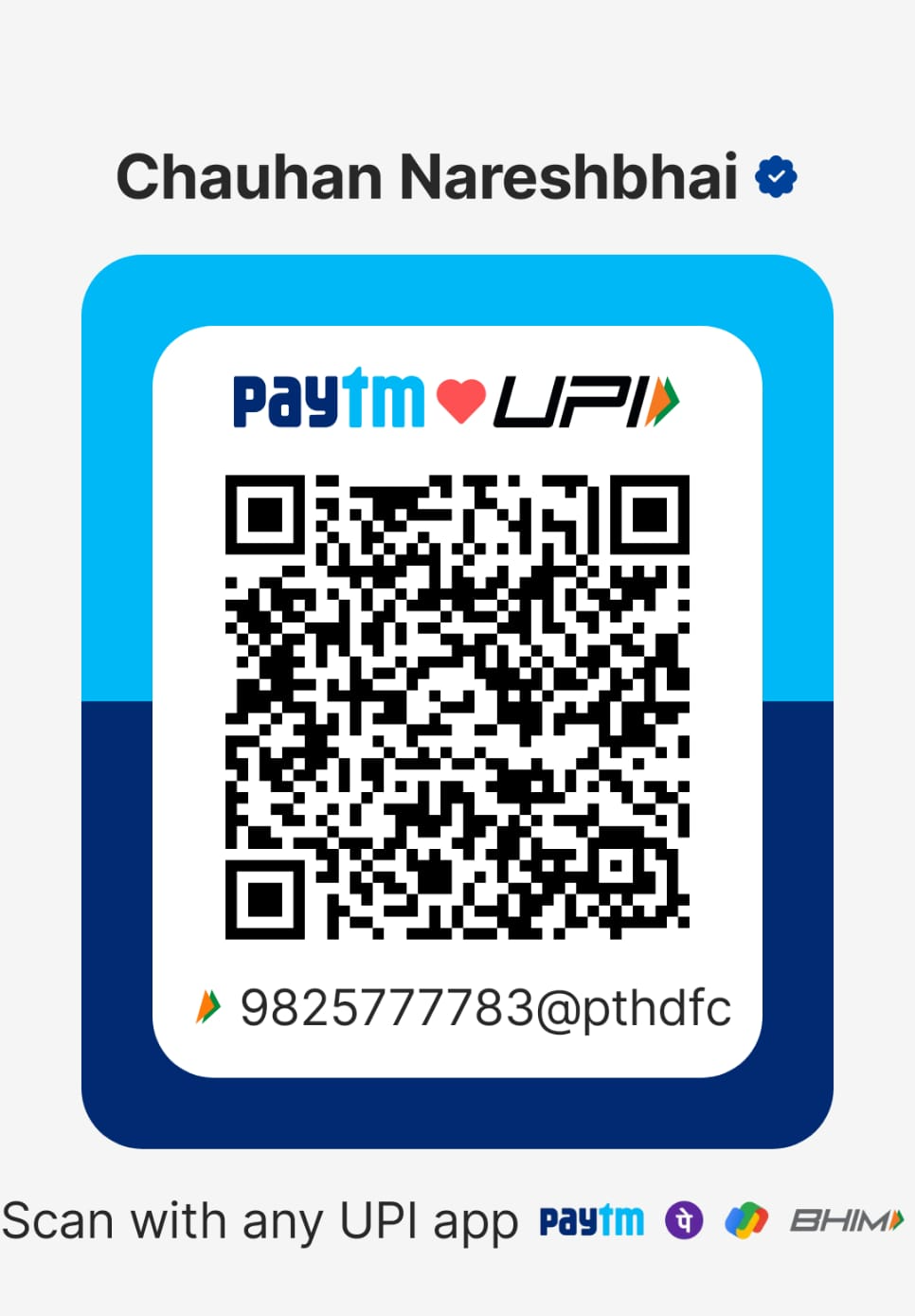
Scan with any supported UPI app.
All card makers are free
FestivalCards365 does not charge users to personalize, download or share the available greeting cards. No payment is required to use the website.
Voluntary website support
Visitors may choose to make a voluntary contribution to help with website hosting, maintenance, new card artwork and the occasional coffee.
Supporting the website is completely optional. It does not unlock special cards, remove restrictions or provide priority service. FestivalCards365 is not presenting these contributions as tax-deductible charitable donations.
You can use the UPI details shown on this page. Always verify the recipient name in your UPI app before approving a payment.
Photo will not open
- Choose a valid JPG, PNG or WebP image smaller than 8 MB.
- Try a different photo from the phone gallery.
- Allow camera or photo-library access when the browser asks.
Card will not generate
- Make sure a name is entered and the crop has been applied.
- Refresh the page and try once more.
- Use an updated version of Chrome, Safari, Edge or Firefox.
Sharing is unavailable
Native file sharing depends on the browser and device. If it is unavailable, download the JPG and attach it manually in WhatsApp or another app.